
How to Search Cases by Name
Name searching runs through the official Colorado Judicial Branch Docket Search. It serves individuals, businesses, and attorneys at no cost. Pick the right party mode first. A business name does not belong in the First Name and Last Name fields. A person searches best with the legal spelling from a notice, citation, or pleading. You must enter a date. Add at least one more filter before the search will run.
- Choose Bent County, a suitable courthouse or court filter, and a tight date range.
- Select Individual, Business, or Attorney and enter only the fields that match that mode.
- Use exact spelling first, then remove optional filters if the correct Bent case does not appear.
- Match each result by case number, caption, hearing type, location, and courtroom before drawing a conclusion.
- Print or export a useful row, then check again near the hearing because settings can move.
The statewide interface exposes these verified search controls:
| Field label | Type | Required | Notes |
|---|---|---|---|
| County | Dropdown | One location filter | Choose Bent County; the shortcut uses county=6. |
| Date Range or Specify A Date | Dropdown or date picker | Yes | A date plus one other filter is required. |
| First Name; Last Name | Text | No | Available in Individual mode. |
| Business Name | Text | No | Available in Business mode. |
| Attorney Name or Bar Number | Text | No | Use the matching attorney search mode. |
| Year; Case Class; Sequence | Text and dropdown | No | These three fields form the Colorado case number search. |
Exporting Bent County Case Search Results
The official calendar includes Export Results, Printable Version, and pagination. Those controls let you save a Bent County case search row for personal tracking. They also help you capture the number you need before asking the clerk for a record. Check the saved line against the caption, hearing type, place, appearance method, and courtroom. One broad name result may hold several files or several settings.
Remember that an exported row is only a snapshot. It does not freeze the calendar. It does not prove a disposition or stand in for a court order. Recheck the live search as the hearing date nears. When a saved row and a fresh one clash, trust the newest valid order. Then call the clerk with the full case number.
Bent County Case Lookup Prefilter
The Bent-filtered Docket Search arrives with Bent County and a one-week date range already baked into the address. The county=6 parameter is a shortcut, not a separate county database. The live system supplies the court and division choices. So pick only values it actually shows. Bent Combined Court serves both Bent District Court and Bent County Court. That keeps those options on one screen.
This official Bent-filtered page displays the controls that shape a local result.
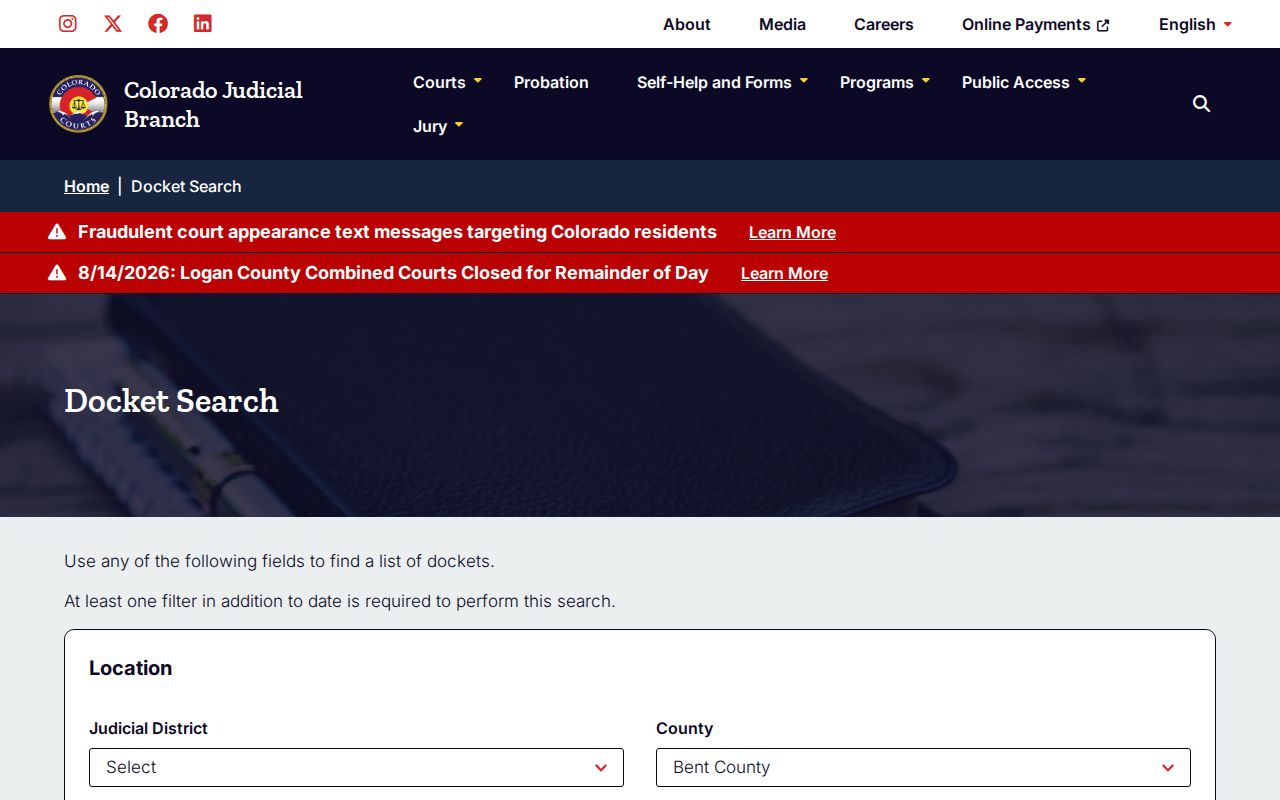
The screen separates filters from results. Location, date, name, number, and attorney fields narrow the calendar without opening a complete case history. Export and Printable Version preserve whatever rows are displayed, though a saved row goes stale once the court resets a hearing.
How to Search by Case Number
A Colorado case number has three parts. There is a four-digit filing year, case-class letters, and a numeric sequence. You may see YYYY-CR-number on a criminal file or YYYY-T-number on traffic. Other verified classes include M and R for lower-level criminal-related matters. C or CV covers civil, and S covers small claims. DR is domestic relations, JV is juvenile, and PR is probate.
Type each part into its own search control. The form may ask separately for Year, Case Class, and Case Sequence. Don't paste one long string. A known number often beats a name. It separates people with similar names and pins down the exact court file. Verify the caption and county anyway. A transfer, an appeal, or a consolidation can spawn another number in another court.
Note: The class letters tell you the file type only. They say nothing about the case outcome, next hearing, or public-access level.
Bent County Case Search Modes
The portal swaps its fields depending on the mode you choose. Individual mode gives you First Name and Last Name. Business mode gives you Business Name. Attorney mode takes a bar number or an attorney name. Treat these modes as alternatives, not fields to fill all at once. A broad search can flood you with rows. Stacking too many optional filters can bury the right hearing entirely.
This official Judicial Branch source documents the statewide search interface.
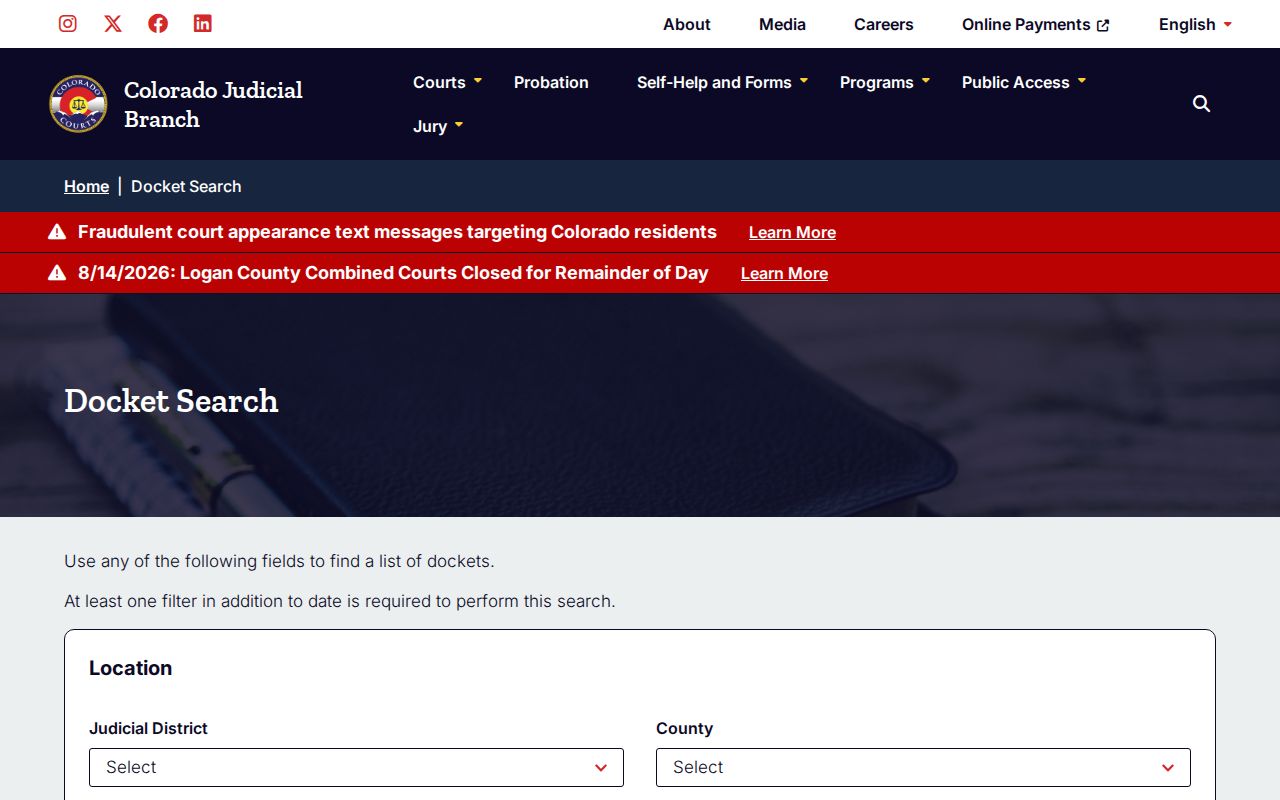
The screen ties Bent County into the statewide layer without building any separate local portal. No results? Confirm the legal spelling and switch to the case number if you can. Drop a few optional filters and try a tighter date window. Then call the Clerk of Court at 719-456-1353. Do that before assuming a blank screen means no file exists.
What a Case Search Shows
A Bent County case search row is a calendar result at heart. It can flag a public setting. It can also supply enough file data to request a deeper record. Under the remote-access policy, public display may include party names, case filing listings, case number, assigned judge, county, scheduled date, time and location, judgments or orders, criminal charges and outcomes. A filed-document list appears where those fields are public. The free docket interface leans toward settings rather than every one of those fields.
| Date and duration | The scheduled day and estimated time reserved for the event. |
|---|---|
| Time | The listed start time for that calendar row. |
| Name or caption | The displayed case style; it is not proof of liability or guilt. |
| Case number | The year, class, and sequence used to identify the file. |
| Hearing type | The scheduled event, such as arraignment, advisement, or status conference. |
| Location and courtroom | The listed court site and assigned room or division. |
| Appearance type | The displayed in-person or virtual method where supplied. |
Several rows can trace back to one file. Each may reflect a different setting or party. A result is not a disposition, and a filed motion is not a granted order. Ask for the Register of Action, or ROA, when you want the chronological record. When an entry's substance matters, request the named document. Ask for the pleading, minute order, judgment, or other paper behind it.
Bent County Case Search Versus ROA
Colorado courts run on several connected tools. The public Docket Search works mainly as a calendar. A real-time ROA comes through commercial vendors the Judicial Branch links to. Ask the clerk for an ROA and you get a short chronological account of the case. Charges, sentences, and minute orders can all appear there. Still, neither the vendor register view nor the free calendar hands you the trial-court document images themselves.
| Channel | Best use | Main limit |
|---|---|---|
| Judicial Branch Docket Search | Free hearing and setting lookup | Not the full case history |
| Linked vendor ROA | Real-time register search | Commercial fees or login may apply; no documents |
| Bent clerk request | ROA, filing, order, judgment, or certified copy | Request rules, fees, and access controls apply |
| Public terminal or counter | Public information not displayed remotely | Confidential material remains restricted |
The Judicial Branch public-access explanation spells out this divide. Vendor register searches sit on one side. Court-held documents sit on the other.
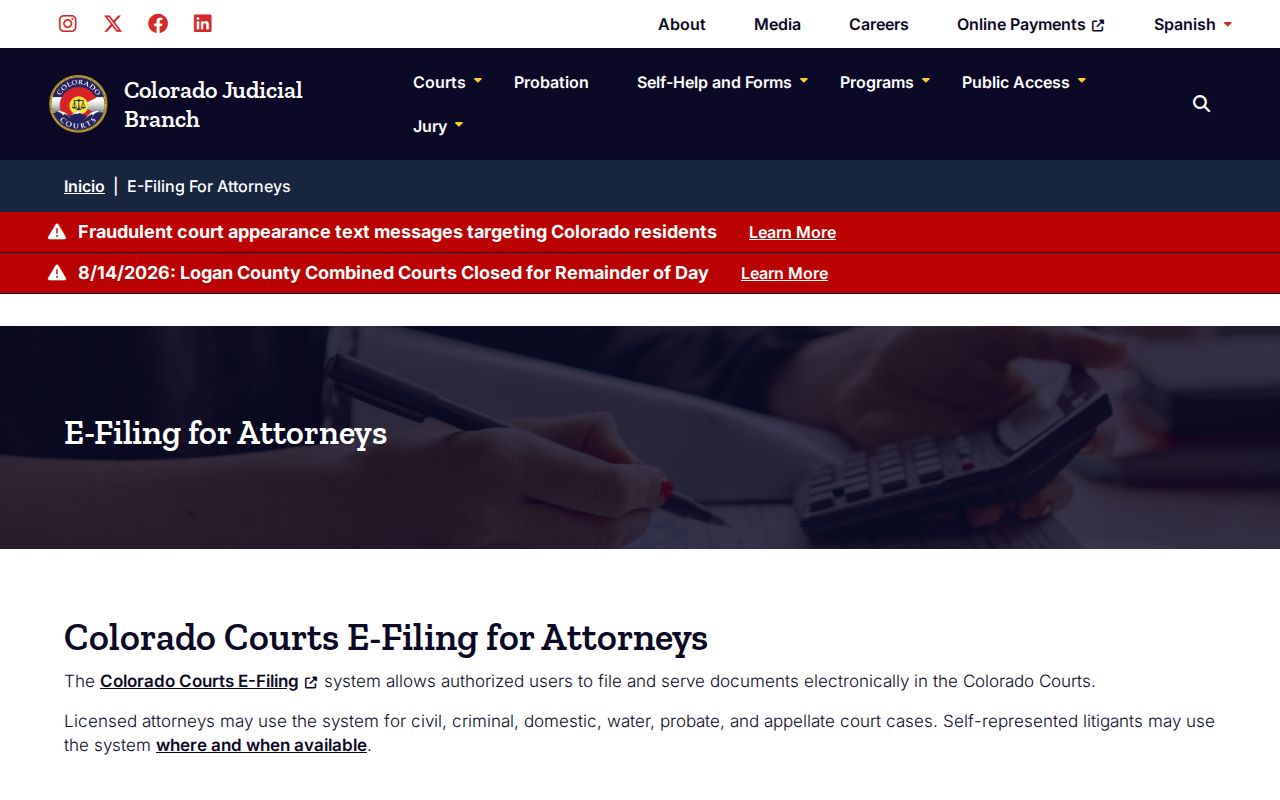
That split points to a practical habit for any Bent County case lookup. Find the setting first. Pin down the entry. Then get the filing from the court that keeps the original record.
County vs Statewide Case Search
Bent County runs no separate public database for state cases. The statewide Colorado Judicial Branch Docket Search covers Bent. The Bent shortcut is just that system. A local filter is the only difference. Bent Combined Court stays the filing court either way, and it holds the record. Calling one route statewide and the other county-level only describes scope and the starting filter. There are not two competing official databases.
| Statewide start | Bent County start |
|---|---|
| Begins with Colorado locations available for selection. | Begins with county=6 and a one-week date range. |
| Useful when the filing county is uncertain. | Useful when the case belongs to Bent County. |
| Returns public settings, not document images. | Returns the same type of public settings. |
| Routes a record request to the filing court. | Routes a Bent record request to Bent Combined Court. |
Federal cases live outside both routes. Federal trial matters belong to the U.S. District Court for the District of Colorado. Bankruptcy matters go through the U.S. Bankruptcy Court for the District of Colorado. To search federal courts nationwide, try the PACER Case Locator. PACER needs an account. Searches or pages may cost money under its published pricing rules and the official electronic public access fee schedule. CourtListener RECAP sometimes offers free contributed copies, though coverage is spotty. Municipal-ordinance matters, if prosecuted locally, stay with the tribunal named on the citation. By default they sit outside Bent's state docket.
Bent County CCE Search Boundary
Colorado Courts E-Filing, or CCE, exists for authorized users to file and serve papers. It is not an anonymous tool for browsing someone else's case. Attorneys use it in the case categories it covers. Non-attorneys have a narrower path. They may register, opt into their own domestic-relations or eviction matters, and wait for court acceptance. Acceptance can take up to two business days. The official CCE landing page describes this filing role.
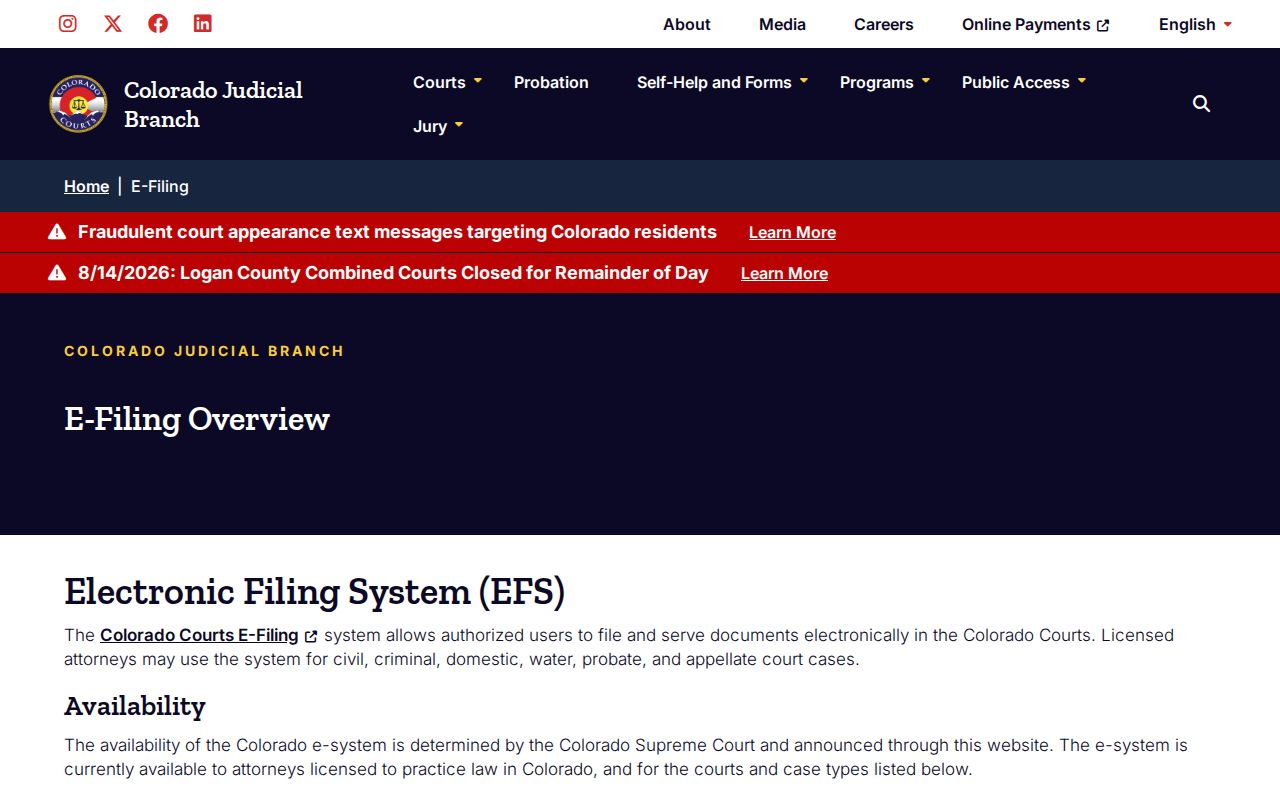
Do not confuse that interface with public Docket Search. CCE's $12 filing fee and any service charges cover filing and service, not the free public hearing search. Gaining access to a connected case does nothing to lower the security level of protected, restricted, suppressed, or sealed data.
Bent County Case Search Record Path
A search row is often the first point in a longer path: Search row → case number → Register of Action → named filing → certified copy when required. Use the Record/Document Request Form for a register, complaint, order, judgment, ticket, or other available court document. Select Bent as the county and give party information, filing year, case class, and sequence when known.
Expect a response within three business days unless extenuating circumstances apply. A name search costs $5. Older off-site files carry their actual retrieval cost. Before mailing or faxing anything, ask Bent Combined Court about delivery and payment. Methods and added charges vary by route. The counter and a public terminal at 725 Bent Avenue give you in-person access, subject to court-record limits. Note: Ask for a precise document title when possible. A broad request can require research or redaction work and may cost more.
Bent County Own-Case Search Access
A self-represented party in an enabled domestic-relations or eviction matter can use CCE for that case. That requires registering and opting in. Once the court accepts the connection, access can continue around the clock. It remains a party workflow. It is not a substitute for the public name search, and it cannot bypass a restriction. The Judicial Branch non-attorney CCE source covers registration, permitted matters, and filing tips.
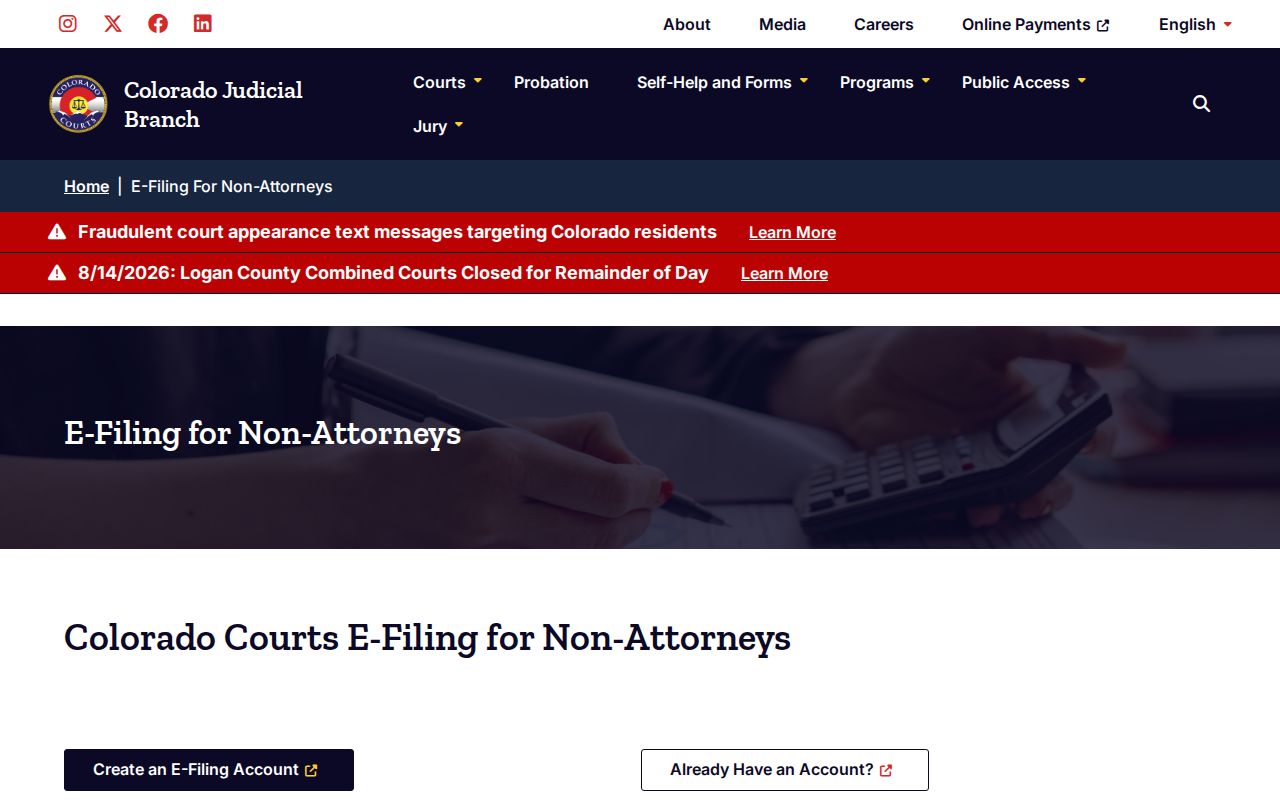
The distinction serves two common needs. A member of the public checking a setting uses Docket Search. A connected party filing into an eligible matter uses CCE. Either channel can lack the document you need. When that happens, the Clerk of Court remains the source for public inspection and copies.
Missing Bent County Case Results
A blank result does not prove a Bent County record never existed. The county, date range, case class, spelling, or party mode may simply be wrong. The file could be old or stored off-site. Its remote access may also be limited. The reason may be that it is protected, restricted, suppressed, sealed, juvenile, probate, or subject to another confidentiality rule. Start by removing optional filters and checking the legal name. Search with the year, class, and sequence when you know them. Call 719-456-1353 with the case details handy. At the clerk's direction, use the counter, public terminal, or record request. Suppressed, juvenile, probate, and protected files may demand government-issued photo identification. They may also require proof of authorized access. The clerk cannot promise that a filer qualifies to see restricted material.
Best fallback: Give the clerk the case number first, the exact record needed second, and the requested authentication level third.
Restricted Cases and Access Rules
Chief Justice Directive 05-01 governs access to Colorado court records. Public case information stays open unless a law, rule, or court order restricts it. The directive allows many core fields to appear remotely. But it keeps most financial details, free-text fields, contact information, and victim, witness, or impartial-party data off remote display. Courthouse access can reach further. It is never unlimited.
- Public
- Available to the court, parties, and public.
- Protected
- The public receives a redacted version.
- Restricted
- Available to the court, parties or counsel, and authorized criminal-justice agencies, not the general public.
- Suppressed
- Available to the court and parties or counsel.
- Sealed
- Limited to judges and Judicial Department staff under the applicable order and rules.
Juvenile files can also be confidential under Colorado's Children's Code. Anyone seeking access must follow the procedure for that file. They may need identification or a court order. Colorado Open Records Act requests are not the ordinary route for a court case file. For that, the court's record form and CJD 05-01 control the request.